Wellness & Health
Raising the conversion rate of a private gym
A private personal-training studio in London turned 1% of its visitors into consultations. I rebuilt the path from the first screen to a booked call.
- Client's country
- UK
- Platform
- Web · mobile-first
- My role
- Product designer · UX, UI, conversion
- Duration
- 5 weeks · 2026
Overview
A private personal-training studio was paying for most of its traffic and turning 1% of it into consultations.
Business goal
More consultation bookings from the traffic already paid for: the home page converted 1.14%, and the target was 2–3%.
What I owned
The conversion track: research, the booking flow, the homepage and the measurement behind them.
How
Five weeks of quick wins, run next to an SEO stream for organic growth.
Results after launch
1.14% → 2.03%
Home page conversion · January → second week after launch · target 2–3%
2 → 5
Booking requests a week · first → second week after launch
38 → 78
Speed score on a phone, out of 100 · higher is faster
Context
01
Product
One-to-one personal training in private studios, here two of them in London. The website has one job: get a visitor to book a free consultation.
02
Users
Busy professionals choosing a trainer near home or work. Most arrive on a phone (52.7% of visits) and most come from paid ads.
03
Market
Competitors win local searches with a page per area. This studio had those pages, but search ignored them.
Starting point, January 2026: 2,521 visitors, 25 leads, 0.99% conversion. 67% of traffic was paid, so if the ads stopped, traffic would collapse.
Approach
Measure
Baseline first: funnel events, a UK-only view and session recordings, so every change can be compared before and after.
Hypothesise
Nine friction points, each written as an if/then with the change it predicts.
Ship quick wins
The highest-impact fixes first: booking, the first screen, locations and the button hierarchy.
Every change is a bet with a number attached: what it should move, and how we will know.
Process
Key improvements
01
Consultation booking in one flow
Problem
Booking meant typing your details twice: a form on the site, then the same name and email again in a calendar that opened on an external page. One long button led there, and nothing said what the consultation was.
Hypothesis
If the calendar opens in place and details are asked for once, fewer people will drop out of booking.
- Steps
- 6 → 2
- Fields typed by hand
- 6 → 0–2
- Sites
- 2 → 1
- Time to book, estimate
- ≈ 2 min → ≈ 20–30 s
Time is an estimate, not a measurement: the keystroke-level model adds up typing, pointing, clicks and short decision pauses for an average visitor on a computer, plus the nearly a minute the old redirect to the booking service took on the live site. After: about 20 seconds when the browser fills in saved details, 30 when they are typed by hand. Leaving a number for a call back takes about 18 s.
02
Mobile first
52.7% of visits came from phones, so every screen was designed for a phone first and then for a computer. On a phone the old path was at its worst: heavy pictures loaded slowly, typing on a keyboard twice, and the redirect to the booking service hung.
- Until the main picture is on screen
- 16.7 → 2.6 s
- Speed among 8 London studio sites
- Last → 2nd
- Time to book, estimate
- ≈ 4 min → ≈ 20 s
Speed is Lighthouse on the phone version: one run on the staging site before launch, against the same test on seven other London personal-training studios. Lab scores, not visitor data. The first content now appears in 1.6 s instead of 8.0 s. Time to book is an estimate with the keystroke-level model: slower typing on a phone keyboard and the hanging redirect before, against one sheet where the phone fills in saved details.
03
First screen and button hierarchy
Problem
The homepage converted at 1.14%. Visitors stayed about two minutes and left without booking. The hero said private training without saying why here, and four buttons on the first screen led to three different places: a pop-up form, a contact page and a WhatsApp chat.
Hypothesis
If the first screen names the outcome and the place and offers a softer second path, more visitors will move on instead of leaving.
Solution
A two-word headline over a full-bleed photo, both studios as cards just above it, and two buttons beside one line: Free consultation and Book a trial session. Both open the same panel; in the header the booking link is plain text, not a fourth button.
- Places a button leads
- 3 → 1
- Ways to get in touch
- 3, in one panel
- Next test
- Consultation vs trial
Counted from the old site’s first screen and the prototype. Which way in converts better, a free consultation or a trial session, is the next A/B test, not a result yet.
04
Content and structure
Problem
The home page read like a long letter: about 26 phone screens of scrolling, centred paragraphs in thin type, and the booking button repeated twelve times under eight different labels. The Google reviews were the strongest proof on the page, but they ran as a fast carousel of dark cards cut off mid-sentence, on a phone and on a computer alike.
Solution
One idea per screen, in the order a newcomer asks: what it is, the studios, the coaches, the consultation, then what members say. Fewer, larger pieces: two type families, two button labels, short blocks aligned to one edge, and every tap target at least 44 px.
26 → 17
Phone screens of scrolling, home page
5 → 2
Type families
What the first review found, and the fix
The booking button appeared 12 times under 8 labels: Book Your Consultation, …Here, …Complimentary…, Schedule…, Enquire now.
Two labels on the home page: Free consultation and Book a trial session. On a studio page the button names the studio.
Google reviews as an auto-scrolling carousel of dark cards in another font, each cut off after three lines.
A rating line and three short member videos that play only when tapped.
A five-line headline in thin type, a narrow centred column with wide empty margins on a computer, and half a screen of empty grey under the hero on a phone.
A full-bleed photo, a two-word headline, one line and two buttons.
Thin headings and light text on muted green and over busy photos; labels in pale gold.
Regular-weight headings, and text only on solid colour or a darkened photo.
On a phone, carousel dots of 6 px and a 25 px arrow as tap targets, and 47 text blocks under 14 px.
Every tap target at least 44 px; nothing on a phone under 12 px.
Feature cards on a phone cut off their own text, and a ten-row comparison table squeezed into three columns, one word per line.
Text sets the height of every block; the comparison moved to its own page about the studios.
Five type families (Public Sans, Inter, Roboto, Poppins, Arial) and more than thirty font sizes.
Two families and one type scale.
Staggered image blocks with a button under each picture, leaving holes in the layout.
Steady rows, with a button where a decision is made rather than under every picture.
05
Locations you can act on
Problem
People choose a gym by distance, but the page showed no address: two area names in the headline and a closed question near the bottom, Where are you based?
Hypothesis
If visitors can confirm at once that a studio is near them, fewer will leave early and more high-intent enquiries will come in.
Solution
Both studios on the first screen and in the navigation, described by minutes on foot from the Tube. A page for each studio with the station, walks and drives nearby, and its button opens the booking with that studio already picked.
- Studios you can open, first screen
- 0 → 2
- Where the studio is chosen
- Another site → the panel
- The place described by
- Postcode → minutes
Counted from the old booking path in the kick-off screenshots and from the prototype. In the real project the addresses also open in maps with one tap and match the business listing; the prototype leaves maps out and leads with walking times.
06
The consultation, explained
Problem
Nobody knew what happened in a free consultation, so booking one felt like a commitment.
Hypothesis
If we say what to expect, uncertainty drops and the intent to book rises.
Solution
Said twice before any field. On the page, five plain lines: your background, what you want to change, a short movement check, a walk around the studio, how membership works. In the panel, the coach’s face and name, 45 minutes, free with no obligation, and four short points.
- Steps before you see what happens
- 3 → 0
- Listed points on what to expect
- 0 → 5
Counted from the old booking path in the kick-off screenshots and from the prototype. Before, the pop-up form introduced the coach, but the length and what happens came only as a short paragraph on the booking service, after the button, the form and the redirect.
07
Measurement before redesign
Problem
Small traffic and broad ad targeting made the numbers noisy, and part of the visits came from outside the UK.
Solution
The funnel tracked from landing to submitted booking, session recordings and heatmaps in Microsoft Clarity, and a UK-only reporting view, so the before and after compare like with like.
Outcome
- Booking in two steps on the site: details once, then where and when
- Booking, the first screen, content and locations rebuilt in five weeks of quick wins
A short engagement: results were tracked through March only, over the first two weeks after launch, and the numbers stop there. They are small: 3 requests from 148 home-page visitors, so read them as an early signal, not a settled rate. Pages deeper in the site converted higher that week: Contact 7.69% and Personal trainers 6.67%, one request each.
Try the prototype
Next case
Prop trading platform · UX audit
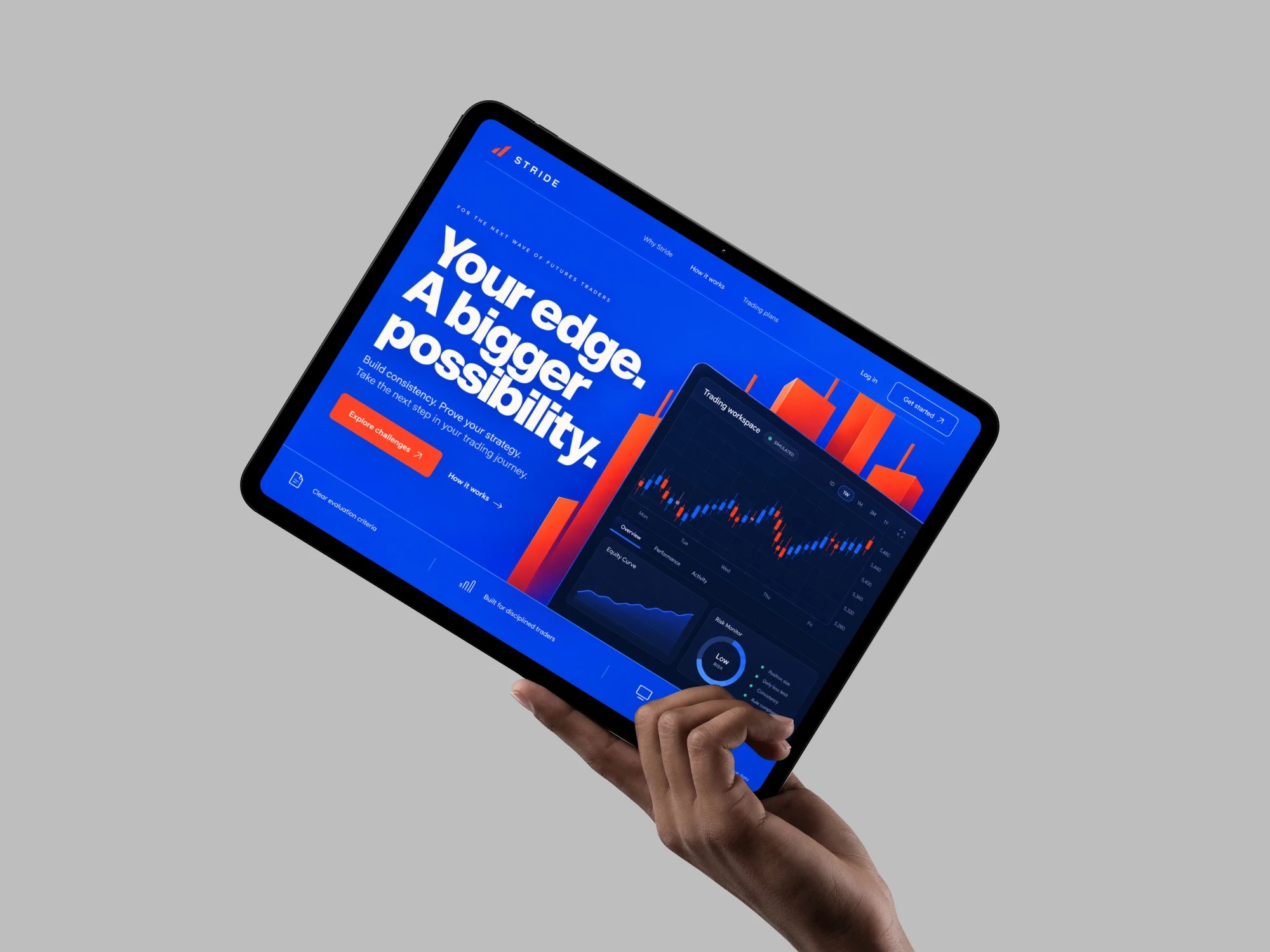
A US prop trading platform, where people learn to trade real markets on a simulated account without risking their own money, asked where its funnel and product lose people. In six weeks I audited the marketing site, the trader product and the internal admin, and handed back a prioritised queue, two tested hypotheses and four working prototypes. The audit then became a design hire.
View case